GPU rendering
The official overview lists Metal, Vulkan, DirectX 12, and WebGPU backends.
An open-source, Rust-based image editor from the ArtCraft ecosystem. Familiar concepts, a young project, and plenty to test before you rely on it.
PhotoCraft brings layers, masks, and PSD / PSB read and write support into an evolving cross-platform editor.
Those capabilities make it interesting to explore. They do not establish full Photoshop compatibility or production readiness. Evaluate the exact features and files your work depends on.
The source is available under MIT or Apache-2.0 licensing. See the repository’s license files for the terms; source-code licensing is separate from rights in names and brand materials.
Published by the project, not captured in our testing. Sources and image credits.
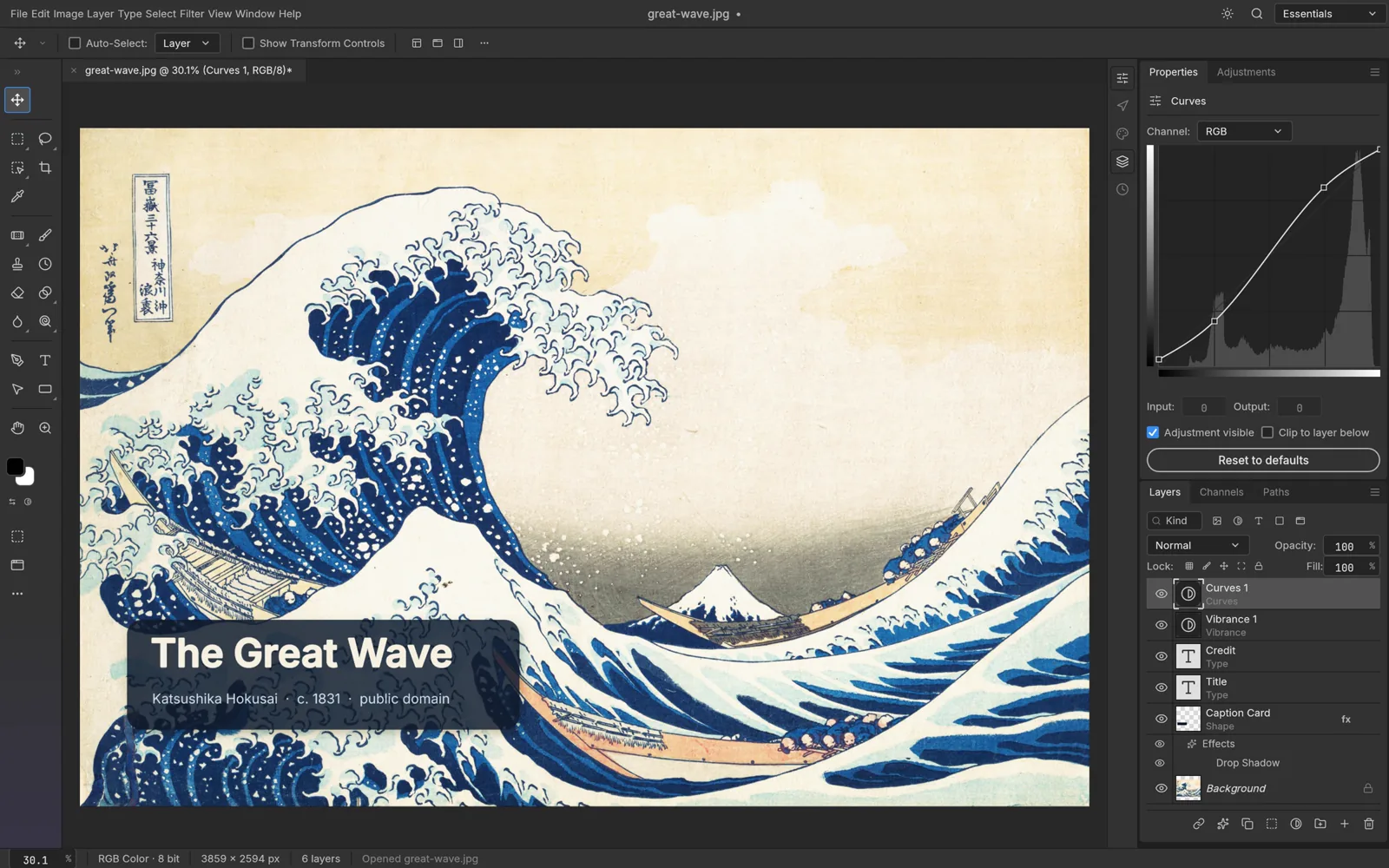
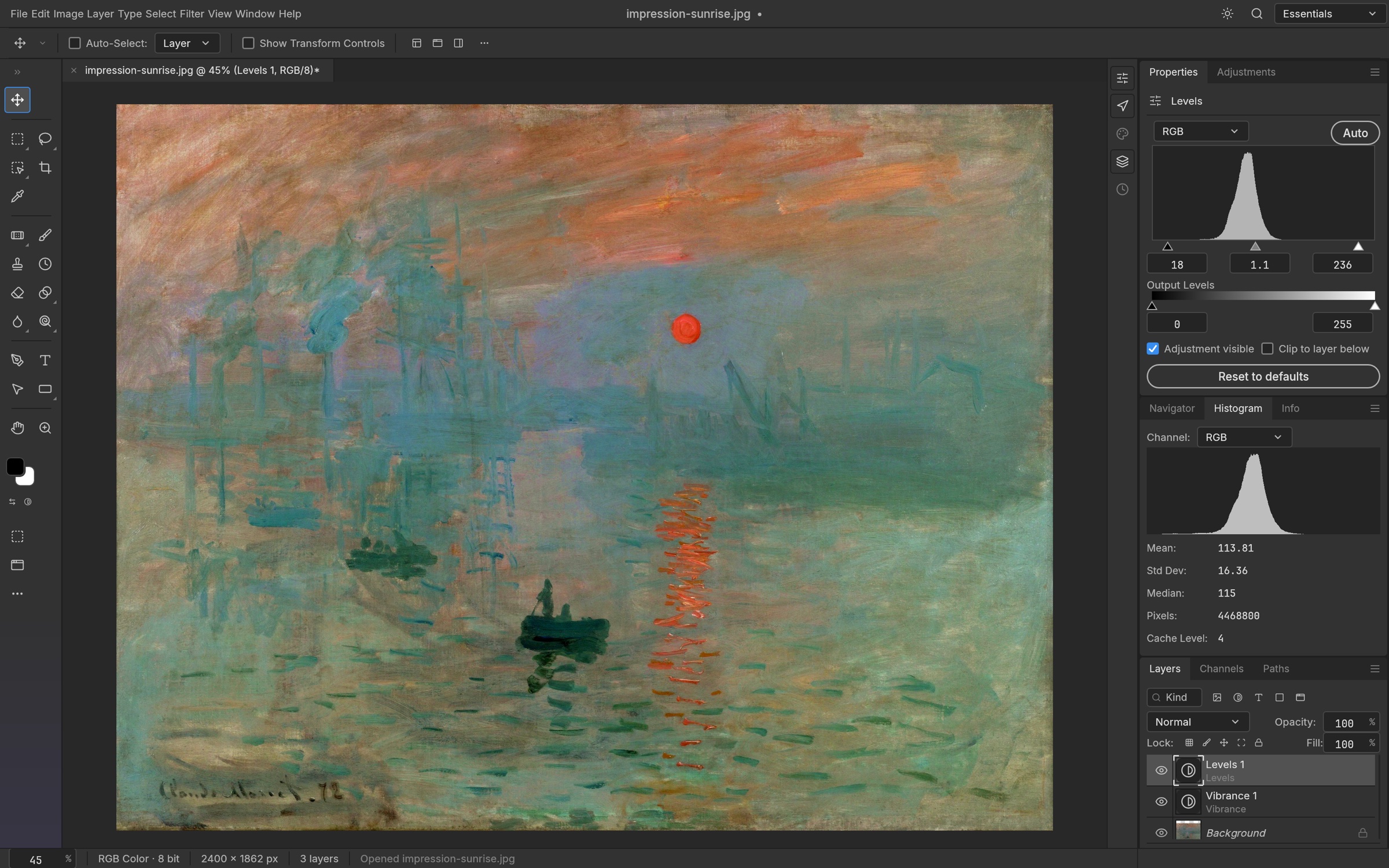
The official overview lists Metal, Vulkan, DirectX 12, and WebGPU backends.
Documented tools include adjustment layers, smart filters, and layer styles.
It describes 8/16/32-bit RGB, CMYK, Lab, and grayscale documents with ICC management, plus selections processed on-device.
These are official descriptions, not our benchmarks or verified workflow results. Early-alpha limitations still apply. Read the product overview ↗.
An independent creator’s overview.
Not an official tutorial.
By FUTC. The embedded video starts at the PhotoCraft chapter (3:58). This is a third-party first look, not an official or independently verified usage tutorial.
Playback depends on YouTube and the creator’s settings; we have not verified playback in this embed. Watch the PhotoCraft chapter on YouTube ↗. The video remains hosted by YouTube; it is not downloaded or republished here.
Find official packages and instructions for your operating system.
Read the guide →Review screenshot credits and the boundaries of this documentation-based guide.
Read the guide →Read the source, license, README, and contribution information.
Open the repository ↗Choose a platform and reach the official release channels.
Open the download guideCheck known issues; include your OS, version, and a non-private reproduction.
Browse issues ↗Practical answers. Clear boundaries.
PhotoCraft is an application in the ArtCraft ecosystem. ArtCraft, PhotoCraft, and Adobe Photoshop are different names with different roles.
Use the project website and the official GitHub release instructions to choose a distribution route. Direct release packages are available; check the selected release for current requirements.
The project includes Web / WASM build material. A build target is not the same as a verified hosted online editor. This guide links to the repository rather than claiming a live browser-editor service.
ArtCraft apps · Photoshop comparison · Photoshop alternatives · Downloads